
Imagine visiting a nonprofit’s website and instantly feeling inspired to support a cause—whether by donating, volunteering, or sharing a story on social media. That’s no accident. High-performing nonprofits understand their website isn’t just a static resource; it’s a dynamic tool powering fundraising, engagement, and growth.
Turning Your Nonprofit’s Website Into a Powerful Growth Platform: Lessons from Top Nonprofit Websites
-
Many nonprofits unintentionally limit their growth by leaving their website as a static resource. But leading organizations have proven this tool should be a living, high-performance platform.

What You’ll Learn in This Guide to Nonprofit Website Success
-
The defining features of high-performing nonprofit websites
-
Why website builder choices matter for nonprofit website growth
-
Proven ways to drive engagement, from donation button placement to social media integration
-
How intentional website design and content strategy accelerates fundraising and mission impact
Table: Features of High-Performing Nonprofit Websites
|
Feature |
Benefit |
Example Use Case |
|---|---|---|
|
Prominent Donation Button |
Makes it easy for supporters to give instantly |
Bright color donation button on every web page header |
|
Compelling Graphic Design |
Draws visitors in and helps tell your story visually |
Photo-driven homepage and impact video features |
|
Integrated Social Media |
Amplifies reach and encourages real-time engagement |
Live campaign feeds and sharing buttons |
|
Accessible Navigation |
Ensures all users can interact regardless of ability or device |
WCAG-compliant fonts, clean menus, mobile-ready |
|
Case Study & Storytelling Content |
Showcases mission impact and drives action |
Impact stories blog, donor spotlights, video testimonials |
Building Blocks: Essential Elements for Every Nonprofit Website
-
Clear mission statement – immediate clarity for new visitors
-
Engaging graphic design that tells your nonprofit’s story
-
Strategic donation button placement for maximum visibility and conversion
-
Integrated contact options and calls-to-action
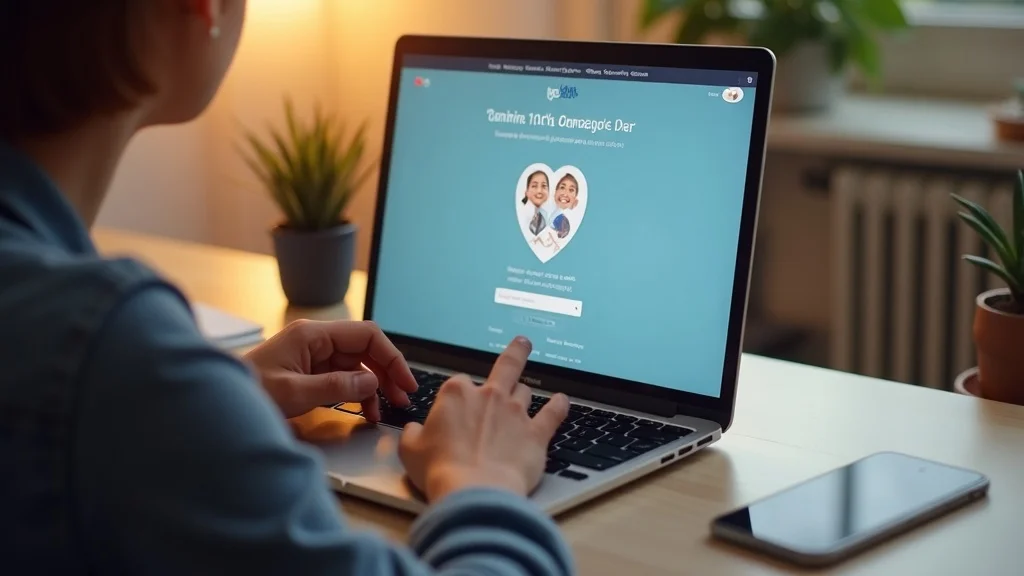
The foundation of a successful nonprofit website begins with a clear, bold mission statement that immediately communicates your purpose to supporters, much like a well-crafted elevator pitch on your web pages. Effective graphic design, using vibrant colors and powerful imagery, makes the site visually appealing while reinforcing your story and purpose. Placing a donation button in an easy-to-find location—such as the header or navigation—greatly increases conversions. Finally, offering simple contact options and strong calls-to-action builds trust and guides visitors towards taking meaningful steps, whether donating, volunteering, or learning more about your nonprofit organization.
1. Goal-Focused Nonprofit Website Strategy
Defining Your Nonprofit Website’s Core Objectives
-
Fundraising growth
-
Volunteer recruitment
-
Community education and engagement
-
Partnership development
The most impactful nonprofit websites start with a goal-focused strategy. Whether your priority is raising money for food insecurity programs, recruiting more young people to volunteer, educating the public on your mission, or building partnerships, your site’s structure and content should reflect these objectives. Begin by outlining what you want visitors to do—donate, sign up, or share on social media—and ensure that every element of your web design, from landing pages to your donation button, supports these goals. Mapping content to audience intentions makes it easy for visitors to take action, resulting in steady growth for your organization.
Successful nonprofit organizations invest time to focus on specific website goals, updating and refining them as campaigns or community needs evolve. When your site’s purpose is clear, it’s easier to monitor performance, identify gaps, and make changes that improve your nonprofit website’s functionality and impact over time.
As you refine your nonprofit website’s design and user experience, it’s crucial to ensure your site is accessible and performs well across all devices. For practical strategies on optimizing your site for mobile users and reducing bounce rates, explore these mobile-friendly website best practices that can help keep your supporters engaged wherever they visit from.
2. Intuitive Website Builder Platforms for Nonprofit Websites
Popular Website Builder Options for Nonprofits
-
Comparing leading website builder tools for nonprofit websites
-
What to look for: drag-and-drop design, mobile responsiveness, donation plug-ins
Choosing the right website builder is critical for nonprofit websites aiming for efficient updates, fresh web design, and sustainable growth. Popular website builder platforms like Wix, Squarespace, and WordPress (with nonprofit plugins) make it easy to create visually appealing nonprofit web pages—even if you have no coding experience. Features such as drag-and-drop site builders, integrated donation tools, event calendar plugins, and mobile-ready templates make the process accessible and efficient for any nonprofit organization.
Key factors when selecting a website builder for your nonprofit include ease of use, scalability, reliable site search, and integration with social media and fundraising plug-ins. Look for platforms that enable seamless content management, offer solid security for donor data, and provide responsive support. A great website builder empowers even small teams to keep their site up-to-date and aligned with their nonprofit’s mission—allowing more time to focus on fundraising, community outreach, and impact.

3. Compelling Graphic Design to Elevate Your Nonprofit Website
Design Principles for Impactful Nonprofit Websites
-
Consistent use of color and typography
-
Storytelling with images and videos
-
Optimizing layouts for usability and engagement
Graphic design plays a pivotal role in boosting the performance of nonprofit websites. Consistency in color schemes, typographic choices, and design elements builds brand recognition and trust. Leveraging bright color palettes—chosen to match your nonprofit’s mission and target audience—helps make calls to action and donation buttons easy to find and hard to resist. When storytelling is paired with moving images or heartfelt video testimonials, your site becomes far more than just a virtual brochure.
Every aspect of web design should aim for visual appeal and intuitive navigation. Well-designed layouts guide users effortlessly through your site, from landing pages to donation pages. Incorporating real photos of your nonprofit’s impact, along with creative use of video and infographics, instantly illustrates why your organization brings meaningful change. This approach ensures visitors are drawn into your narrative, remain engaged, and are inspired to participate or give.
4. Social Media and Your Nonprofit Website: Integrated Engagement
Connecting Your Website and Social Media for Amplified Reach
-
Best practices for social media feeds and sharing
-
Embedding event and campaign updates
-
Tracking referral traffic and outcomes
Connecting your nonprofit website with your organization’s social media platforms expands your reach and enriches your digital presence. Embedding live social media feeds or event updates directly on your website allows supporters to see real-time activity and share content with their networks. Linking your website with social media channels also makes it easy to synchronize marketing campaign messaging and promote time-sensitive fundraising efforts, such as those for disaster relief or community drives.
It’s essential to place social sharing buttons on impact stories, event recaps, and donation thanks pages to empower visitors to become advocates for your cause. Additionally, reviewing analytics on social media referral traffic helps your nonprofit organization understand what content is resonating. Use these insights to refine your content strategy and maximize the effectiveness of both your social media and nonprofit website engagement efforts.

5. Donation Button Placement: Maximizing Nonprofit Website Conversions
A/B Testing for Effective Donation Button Locations on Nonprofit Websites
-
Button design tips
-
Ideal placement on homepage, header, and landing pages
-
Measuring and iterating for best results
A high-performing donation button is a must-have for every nonprofit website aiming to increase conversions. Leading organizations use A/B testing to experiment with donation button color, text, and location—often finding that a brightly colored button placed in the main navigation or immediately visible on the homepage results in more gifts. It should be intuitive and easy to find, without cluttering the web design.
Once your donation button is in place, continuously monitor and tweak its performance. Use website builder tools with built-in analytics to track which variations lead to the highest donation rates. Consider your web pages’ layout as you experiment, and don’t forget to test mobile responsiveness. Making adjustments based on data will ensure your nonprofit website consistently supports your fundraising goals and provides a seamless donor journey.
6. Seamless User Experience and Accessibility on Nonprofit Websites
Making Your Nonprofit Website Inclusive and Easy to Navigate
-
Web Content Accessibility Guidelines (WCAG) essentials
-
Clean navigation and mobile optimization
An accessible nonprofit website ensures that everyone—regardless of device, ability, or age—can interact with your information and calls-to-action. Following WCAG basics such as using high-contrast colors, legible fonts, proper alt text for images, and keyboard navigability is essential. Clean, intuitive navigation makes it easy for users to explore your web pages and donate, volunteer, or learn more with minimal effort.
Mobile optimization is no longer optional. More donors, volunteers, and community members are accessing nonprofit websites from smartphones and tablets. Responsive web design guarantees your message—and your donation button—remains easy to find and interact with on any device. Prioritizing accessibility and seamless user experience shows supporters you care about inclusivity, building trust and strengthening your nonprofit organization’s digital impact.
7. Nonprofit Website Content Strategy That Drives Action
Creating Mission-Aligned Content for Nonprofit Websites
-
Case studies and impact stories
-
Calls-to-action and donor journey mapping
-
Engaging blogs and educational resources
Content is the heart of every high-performing nonprofit website. Compelling case study content, impact stories, and donor spotlights transform abstract missions into concrete, relatable results. Clearly articulated calls-to-action—such as “Donate Now,” “Join Us,” or “Share Our Story”—help users understand exactly how they can participate at every step of the donor journey.
Regularly updated blogs, news updates, and educational resources maintain visitor interest between campaigns and drive ongoing engagement. Structuring your web design around content that answers your supporters’ top questions makes it easy for users to navigate and take next steps. High-quality content also improves your search ranking, extending your reach and raising awareness for your nonprofit’s work.
8. Analytics and Continuous Improvement for Nonprofit Websites
Tracking Performance and Setting Nonprofit Website KPIs
-
Google Analytics basics for nonprofit websites
-
Regular audits for speed, SEO, and conversion improvements
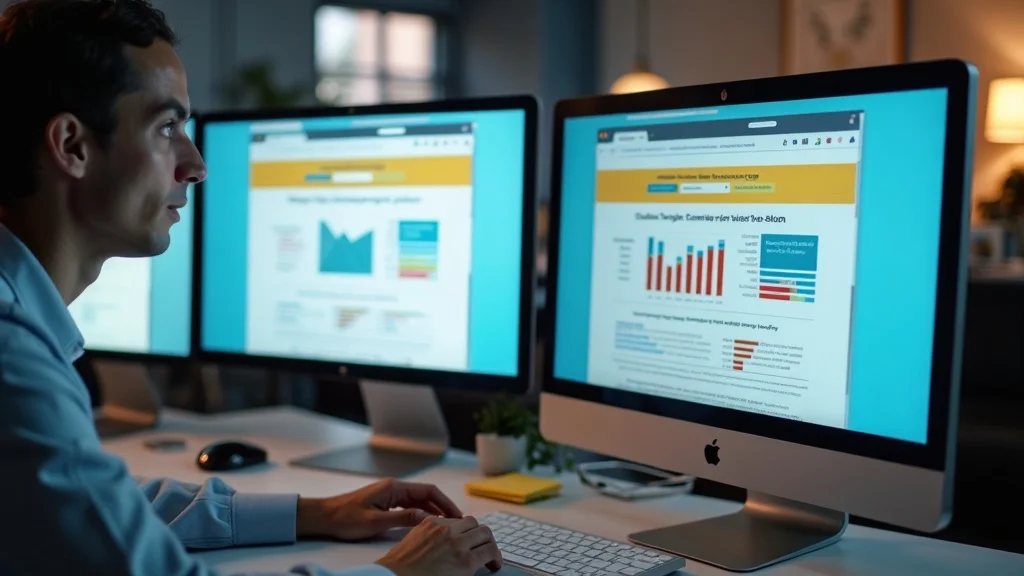
Even the best-designed nonprofit websites need ongoing evaluation. Google Analytics and other tools offer easy ways to track key performance indicators (KPIs), such as website traffic, bounce rates, conversion rates, and donation amounts. Regular audits ensure your website stays fast, search-optimized, and effective at encouraging donations and volunteer sign-ups.
By monitoring what resonates with supporters—through metrics such as most-visited pages, referral traffic from social media, and successful calls to action—your team can refine campaigns, update design elements, and streamline the donor journey. High-performing nonprofit organizations treat their website as an evolving growth platform, using data and feedback to guide continuous improvements and maximize impact.

Quote: Insight from a Nonprofit Digital Strategist
“A nonprofit website isn’t just a virtual brochure—it’s a living hub for growth, connection, and measurable impact.”
People Also Ask: Key Questions About Nonprofit Websites
How to get a free website for a nonprofit?
-
Explore grant programs and open-source website builder tools for nonprofit websites.
-
Look into partnerships with web development volunteers, pro bono agencies, or donations from tech firms.
What is the best website platform for nonprofits?
-
Consider user-friendly website builder options like Wix, WordPress with nonprofit plugins, or Squarespace for your nonprofit website.
-
Evaluate features such as integration, security, and scalability for your organization’s needs.
What should a non-profit website look like?
-
A non-profit website should offer clear messaging, powerful imagery, seamless donation options, and easy navigation.
-
Accessibility, mobile-ready design, and regular content updates are essential for high-performing nonprofit websites.
How can I create a website for my NGO?
-
Start by outlining your goals and audience, select a suitable website builder, and plan your nonprofit website content and structure.
-
Use resources, templates, and guidance offered by non-profit platforms to streamline the web development process.
Video Case Study: Real Nonprofit Website Transformations
Watch how real nonprofit organizations transformed their digital presence, grew their impact, and made every web page count for their mission.
Frequently Asked Questions about Nonprofit Websites
-
Do I need technical experience to run a nonprofit website?
No! Thanks to modern website builder tools and user-friendly platforms, anyone on your team can manage and update your nonprofit website’s content, design, and features with minimal training. -
How often should content or designs be updated?
Regular updates maintain user interest and help with search rankings. Monthly content refreshes and annual design audits are recommended for high-performing nonprofit websites. -
What integrations work best for donation processing?
Look for website builder integrations that support secure, user-friendly payment gateways such as Stripe, PayPal, or nonprofit-specific processors like Donorbox or GiveWP for seamless donation handling.
Key Takeaways from High-Performing Nonprofit Websites
-
Invest in intentional design and goal-driven web strategy
-
Prioritize seamless user experience and accessibility
-
Integrate effective donation and engagement tools
Next Steps: Take Your Nonprofit Website from Static to Strategic
-
Ready to transform your nonprofit website into a true growth engine? Call us at (510) 722-0902 or email us at info@agenthi5.com to start your digital transformation.
Conclusion: Treat your nonprofit website as more than a digital brochure—make it a platform for lasting growth, engagement, and mission impact.
If you’re inspired to elevate your nonprofit’s digital presence even further, consider exploring the broader landscape of website design strategies that drive results for organizations of all sizes. Delving into advanced design concepts and user experience trends can help you stay ahead of the curve and ensure your website remains a powerful asset for your mission. Whether you’re planning a full redesign or seeking incremental improvements, these resources offer actionable insights to help you maximize your online impact. Take the next step and discover how strategic website design can unlock new opportunities for growth and engagement.